
Introduction
Use this report to display the top customers in each geographic area serviced by your company. The Top Customer by Geographic Area report can be found under Reports > Accounting Reports > Customer > Top Customer by Geographic Area.
NOTE: Group Area Codes need to be assigned to each customer.
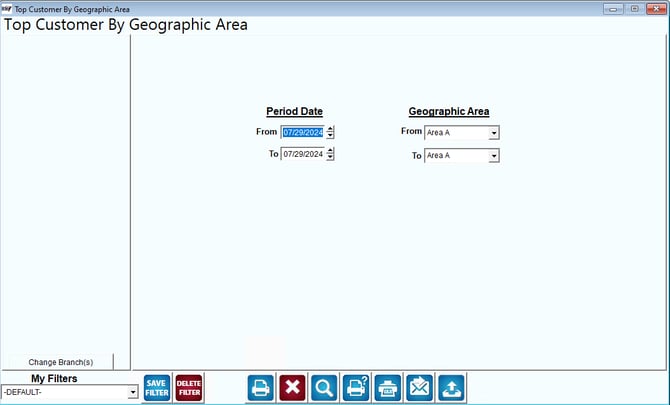
Fields:
Change Branch: If you are logged into multiple branches, this option may be shown and allows you to re-select the branches to include in the report instead of having to completely exit the report.
Period Date: Enter the date range to include in the report.
Geographic Area: Select the range of geographic areas to include in the report.