
Introduction
This report will display the customers that have requested to cancel their service. The Request Cancel Date Report can be found under Reports > Management Reports > Request Cancel Date Report.
NOTE: This information is available when a date is entered in the ‘Request Cancel Acct.’ field within Customer Information, on the Credit tab.
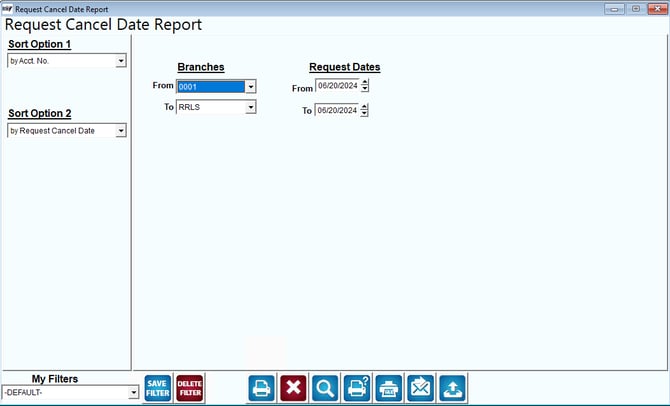
Fields:
Sort Option 1 & 2: The primary and secondary fields to sort by. You can choose from the following categories:
- Account Number
- Request Cancel Date
- Employee ID
Branches: You may choose to run the report for a single branch or a range of branches. Select the first and last branch to include on this report.
Request Dates: Enter the date range to be included on the report.