
Introduction
Access to all PDF documents in the handheld and desktop systems that have been generated may be found in this section for reprinting. Information about the size, name and type of file are available along with the last date and time the document was printed. This allows you to access files that may have been sent to customers, either internally or externally, but misplaced. Reprint PDF Documents can be found under Reports > Communication Reports > Reprint PDF Documents.
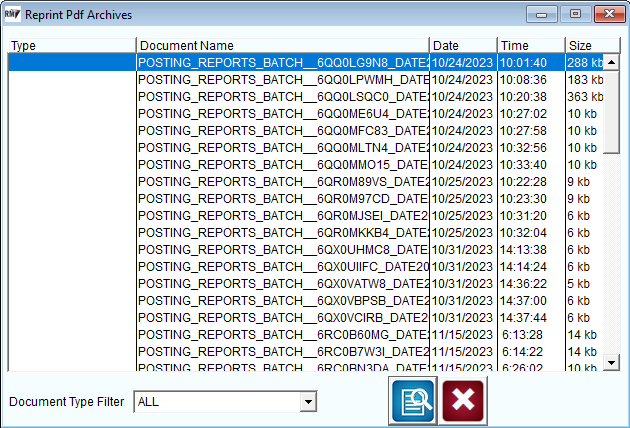
You are provided with the option to filter by the Document type and all the columns in the screen work as sort filters as well. When an item is selected the print preview option will open the document in Adobe and you may reprint from that program.