
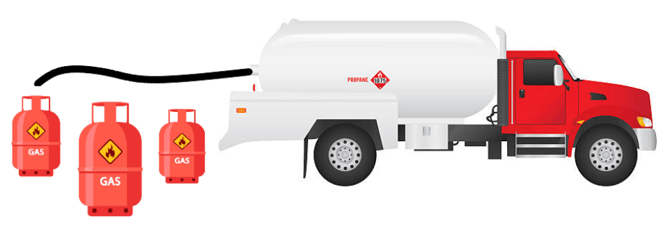
 This article will guide you through the process of pumping gallons of propane to cylinders from ETI.
This section of the article will walk you through the setup process prior to performing a cylinder
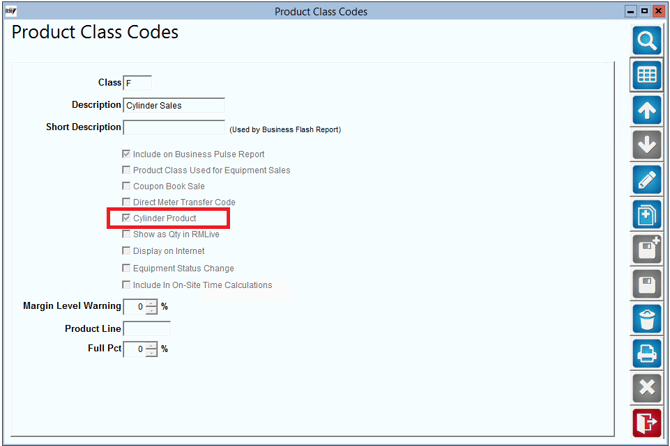
- Set up a product class code with “Cylinder Product” enabled.
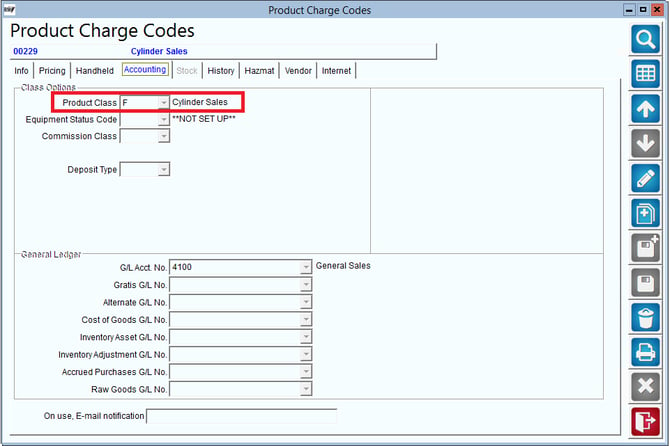
- Select or create a cylinder product and assign the correct product class code.
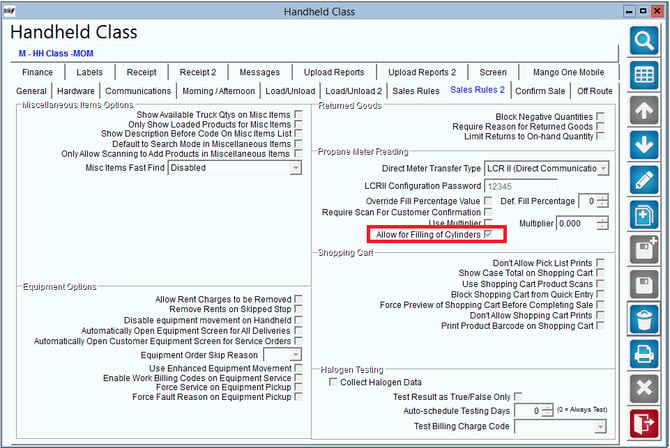
- In Handheld Class, go to Sales Rules 2 and enable “Allow for Filling of Cylinders.”
- Assign the cylinder product as a default product to a customer. Ensure that propane is also a default product priced at zero.
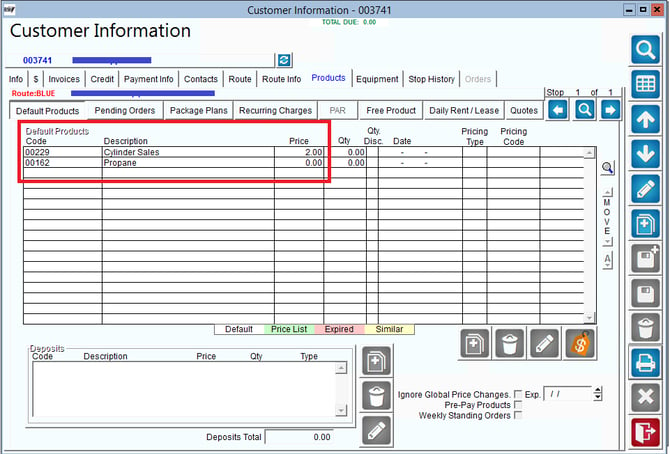
Process
- Download your route and select the customer you would like to service
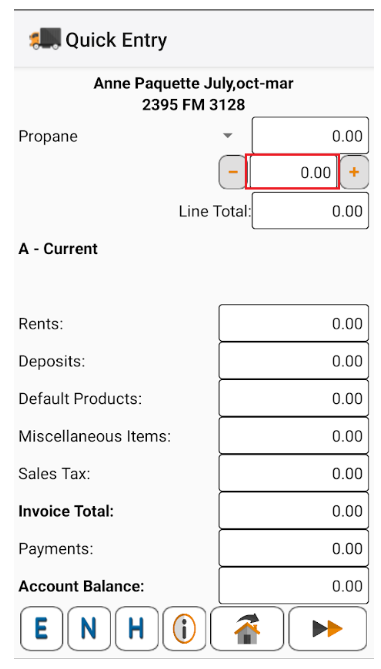
- Select your Propane Product charge code then select the quantity field to open the fill page
3. On the Meter Capture screen select the cylinder option. Set the number of cylinders to fill, Then you can choose to manually enter the propane gallons, or use the ETI to connect to the meter to pump your gallons.
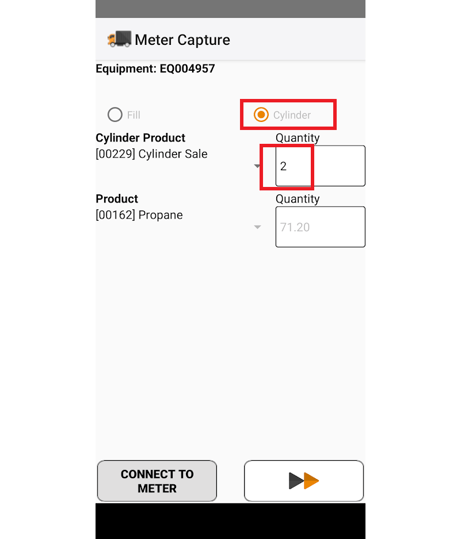
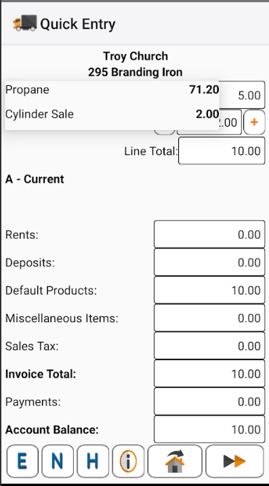
4. Your gallons will be displayed in the quantity window as seen below.
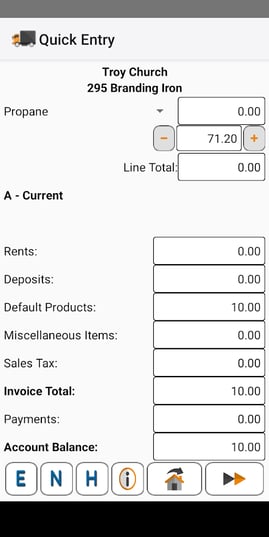
5. When you expand your product list you will see both the cylinder and propane listed.
6. Your shopping cart info will be displayed like below.
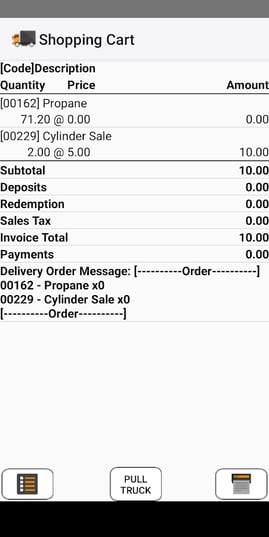
4. Once your gallons have been captured, complete the sale and this process is now complete.
SupportIf you need further assistance from our support team please email us at support@advantagers.com or call us at 209-632-1122