
Introduction
This report provides a summary of payments received per route. The Payment Summary report can be found under Reports > Route Reports> Daily > Payment Summary.
NOTE: This can be helpful if you pay commissions to each route driver based on money collected.
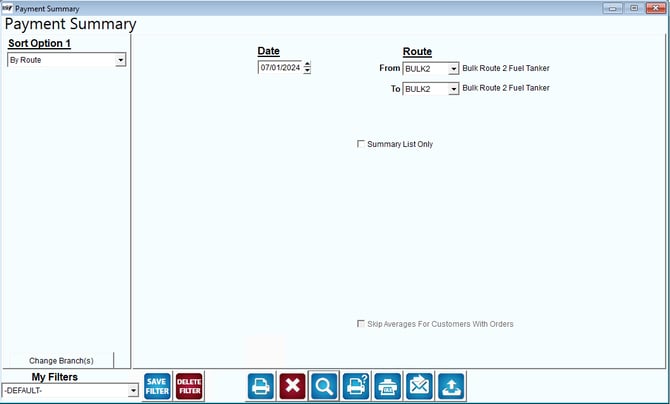
Fields:
Sort Option 1: This option is defaulted for you. This report can only be sorted by Route.
Change Branch: If you are logged into multiple branches, this option may be shown and allows you to re-select the branches to include in the report instead of having to completely exit the report.
Date: The date that you want the report to be run for.
Route: The range of routes to include in the report.
Summary List Only: Check this box for a summary report only.