
Introduction
The Past Due Average by Route report will help determine the scale of delinquency and which routes have the most problems with delinquent accounts. Priorities for collection and collection techniques can be established in terms of routes or areas to target. It should also be helpful in deciding on the necessary actions to take to correct the problems or prevent future problems.
The Past Due Average by Route report can be found under Reports > Route Reports > Daily > Past Due by Average by Route.
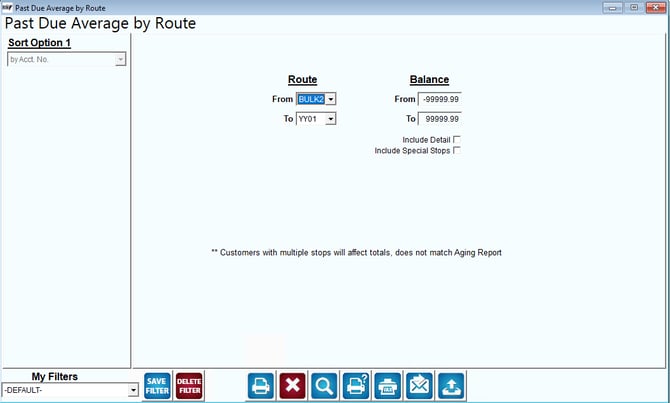
Fields:
Sort Option 1: The report is automatically sorted by Account Number. Select the ‘Include Detail’ option on the report screen for additional sorting option, by Account Name.
Route: The range of routes to include in the report.
Balance: The range of balances to include in the report. You must have the ‘Include Detail’ box checked before you can input figures into this field.
Include Detail: Select this box to include the transaction details in the report. Check this box to allow sorting by Account Name or Account No.
Include Special Stops: Click this box to include special stops in the report.