
Introduction
The Multiple Route Skips Report includes customers that have been skipped multiple times, consecutively. This is helpful to determine if a customer needs to be contacted, requires a route change, etc. The Multiple Route Skips Report can be found under Reports > Route Reports > Other > Multiple Route Skips Report.
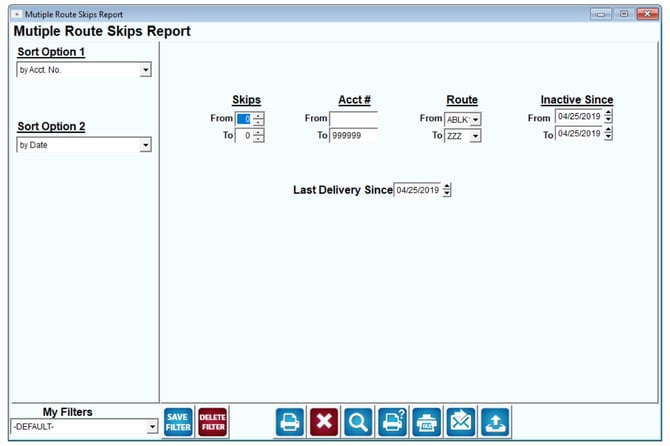
Fields:
Sort Option 1 & 2:The primary and secondary fields to sort by. You can choose from the following categories:
- Account Number
- Date
Skips (From and To): Enter the minimum and maximum number of skipped deliveries to include in the report.
Acct #: Enter the account number range to include in the report.
Route: Enter the route range to include in the report.
Inactive Since: Enter the date range to include for customers that have been marked inactive.
Last Delivery Since: Specify a date to list recent deliveries.