Introduction
Installing the Mango One Mobile app on your iPhone or iPad is the first thing you need to do in order to use the app. In the next section, you will learn the actions that need to be taken.
Securing the Software
Here are the steps to securing the software on your Apple device:
- Direct to this link: https://testflight.apple.com/join/gkH3DbqQ. This URL will open up in your default web browser.
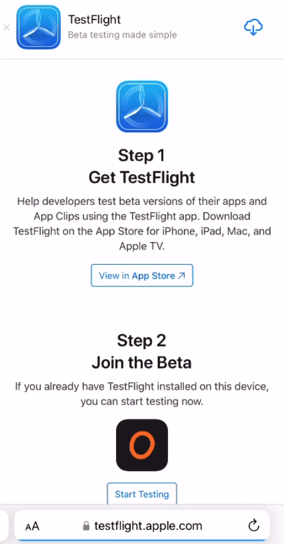
- You will find a cloud button there. Click on it to download the TestFlight app, or you can go to the App Store and find the TestFlight app to download it.
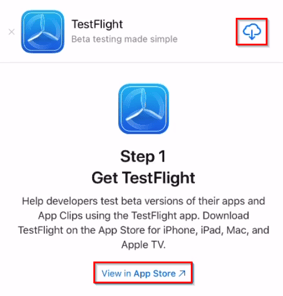
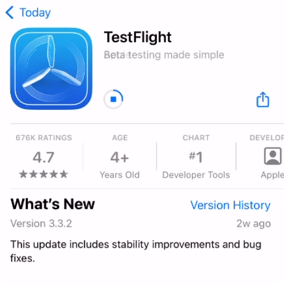
- Once you have downloaded the TestFlight app, return to the page that showed you the initial steps from the URL.
- Select “Start Testing” beneath the Mango One Mobile app icon.
- Now, it is time to download the Mango One Mobile (MOM) app. Find and click on the "Install" button.
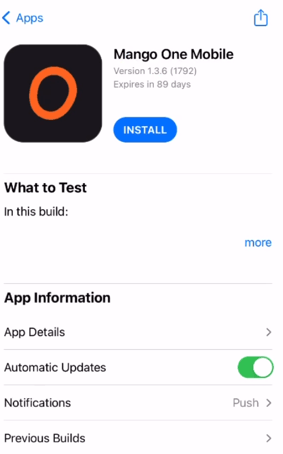
- Install the MOM app on your Apple device.
- Once you have installed the MOM app, give it permission to send notifications to your device. We recommend this to receive updates, in real time, on your routes and deliveries.
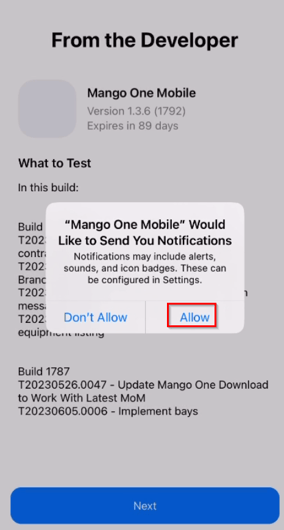
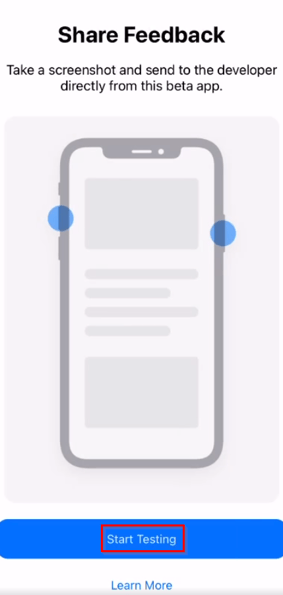
- Look for a button that says "Start Testing" and select it. This will take you to the start screen of the Mango One Mobile app.