
Introduction
The Invoice Lookup option allows you to search for a specific invoice based on the invoice number, amount, or P.O. number. Navigate to Reports > Accounting Reports > Lookup > Invoice Lookup.
NOTE: You may search by the invoice number, the invoice amount, or both. Partial invoice numbers can be entered if needed.
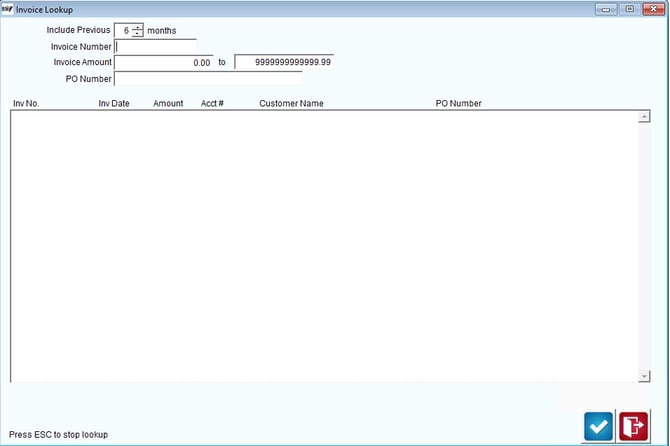
Fields:
Invoice Number: Enter the desired invoice number to search for.
Include Previous [ ] Months: Enter the number of previous months to include in the search.
Invoice Amount Range: Enter the dollar amount to search for.
PO Number: Enter a Purchase Order number if there is one.