
Introduction
Use this report to view accounts that are inactive, but have a remaining balance. The Inactive Accounts with Balances report can be found under Reports > Accounting Reports > Customer > Inactive Accounts w/Balances.
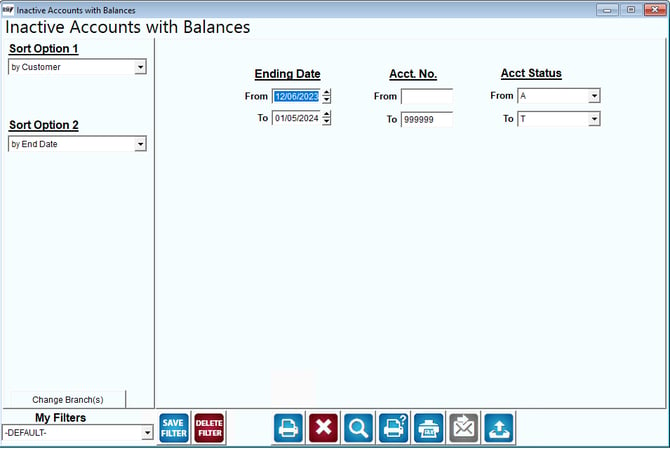
Fields:
Sort Option 1 & 2: The primary and secondary fields to sort by. You can choose from the following categories:
- Customer
- End Date
Change Branch: If you are logged into multiple branches, this option may be shown and allows you to re-select the branches to include in the report instead of having to completely exit the report.
Ending Date: Enter the range of dates to include in the report.
Acct No: Enter the range of accounts to include in the report.
Acct Status: Select the account status range to include in the report.
Entry Date: Enter the date range you would like to include in the report. The Ending Date is the date the customer was placed on inactive status.