
Introduction
This article will review the process of setting up a Remote Desktop Connection on Windows 10 and an Apple/MAC PC to access RMA.
Setup
Have your Server Address and Username/Password handy to connect. Contact the system administrator to get this information. If ARS hosts your server, you can contact support@advantageroute.com to get this information.
Process
Go to the correct section if you are using Windows or an Apple machine.
Windows 10
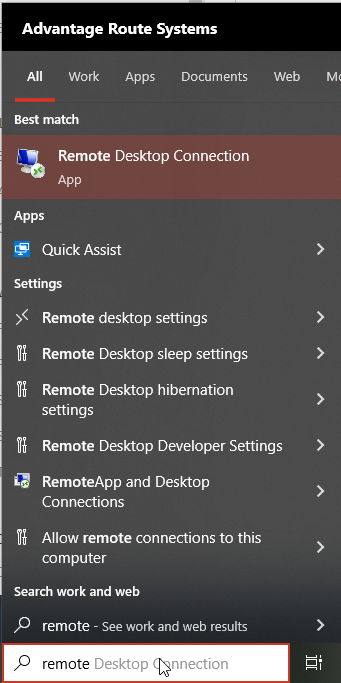
In the search box on the taskbar, type Remote Desktop Connection, and then select Remote Desktop Connection.
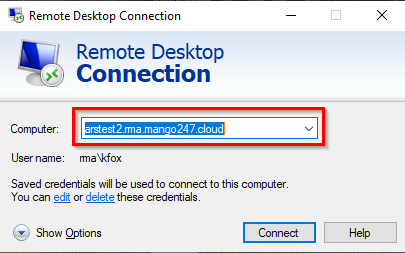
In Remote Desktop Connection, type the name of the PC you want to connect to, and then select "Connect".
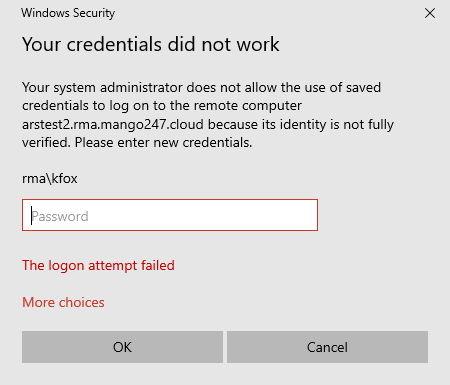
Enter your username and password and select "OK" to connect to the server.
Apple
1. Open the link below on your Mac which will take you to the App Store:
a. https://apps.apple.com/us/app/microsoft-remote-desktop/id1295203466?mt=12
b. 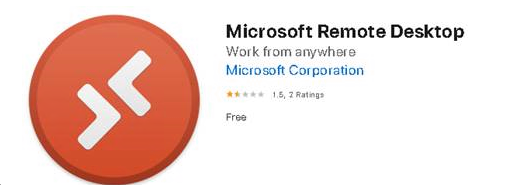
2. Select “Get” to install the Microsoft Remote Desktop.
3. Once installed open the application.
4. At the top of your screen locate the "+" button and select "Add PC".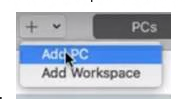
5. Input your servers information in the screen below:
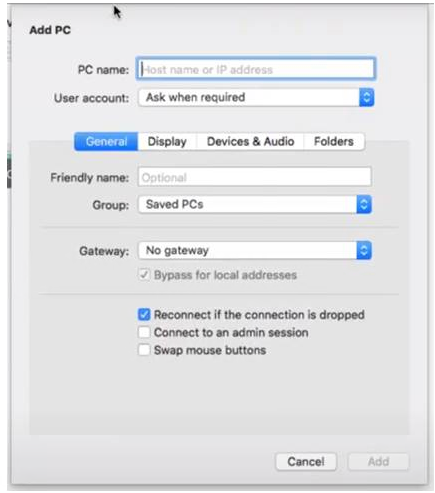
b. The PC name is the server you are connecting to, which will usually end with "mango247.cloud".
c. User Account: keep as “Ask When Required”.
Note: You may have to enter the Username and Password associated with your PC’s account.
d. Friendly Name: type in what you want to name this connection, example: “RMA”.
f. Select “Add” at the bottom right hand corner of your screen.
g. Once your settings are saved you will be able to view your new RDP connection under “Saved PC’s”:
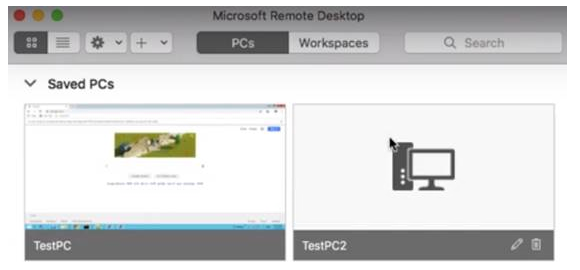
h. To connect to your new Remote Desktop Connection double click on the PC connection to begin your session.
i. If an “Enter your user account” window appears, this will be where you enter your RDP username and password that was set up by ARS: 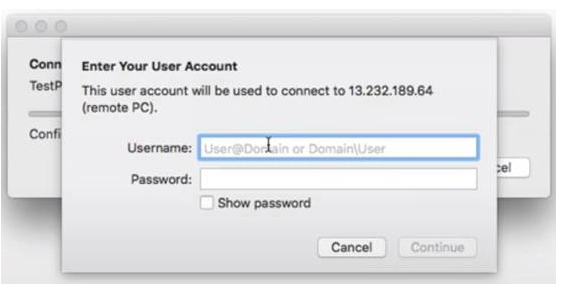
j. Once all credentials are entered select continue and you should now be connected to the Windows PC or Server that allows you to access RMA.