
Introduction
The Free Product Report has been created for companies that generate credits for free products on the desktop when using Period Discount Pricing — this report does not apply to the percentage discount option. The Free Product Report can be found under Reports > Management Reports > Free Product Report.
NOTE: For further information on Period Discount Pricing, refer to Chapter 2.15 of the Supplemental Guide.
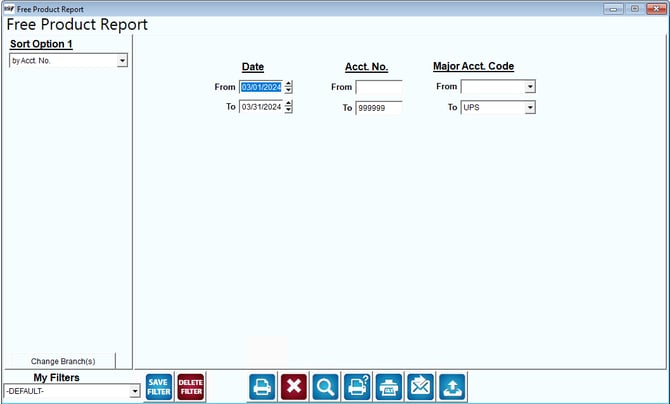
Fields:
Sort Option 1:The primary fields to sort by. You can choose from the following categories:
- By Account Number
- By Period Discount Code
Change Branch: If you are logged into multiple branches, this option may be shown and allows you to re-select the branches to include in the report instead of having to completely exit the report.
Date: Enter a range of invoice dates to include in the report.
Account Number: Enter a range of account numbers to include in the report.
Major Account Codes: Enter a range of Master Account Codes to include in the report.