Introduction
You may find it convenient to load your propane truck by entering the percent full of the truck as you load and unload your propane. Using the big gauge on the back of the truck, you can simply enter the percentage shown and then your handheld will convert the percentage to gallons. This is based on your truck water capacity.
There are three things that you will need to configure so this can be used.
Here are the four steps:
- In Handheld Class, set the flag for appropriate
- In Product Class set the flag for direct meter product
- In Truck Class fill in Truck Gallons
- Test the handheld.
Setup
By following these steps, you can use this feature.
Handheld Class
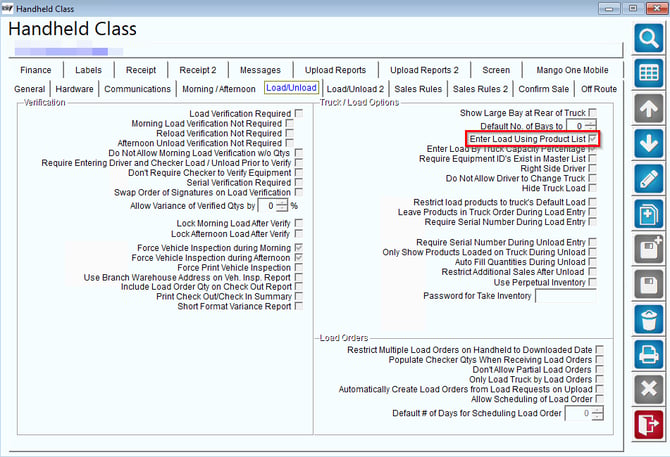
In handheld class, set this flag for appropriate for all Handheld Classes that want to use this feature, you will need to go: Lists > Routes > Handheld Class and set this flag by checking this box.
Product Class
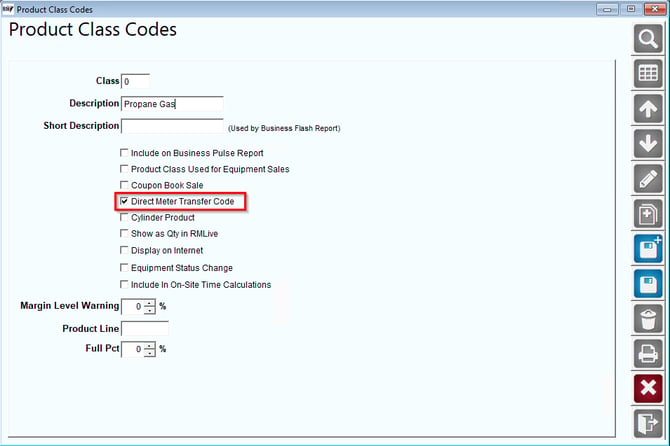
You will also need to make sure that the flag below is set in your Product Class setting for Propane. Go to Lists > Product Codes > Product Class Codes to change this.
Truck Class Setup
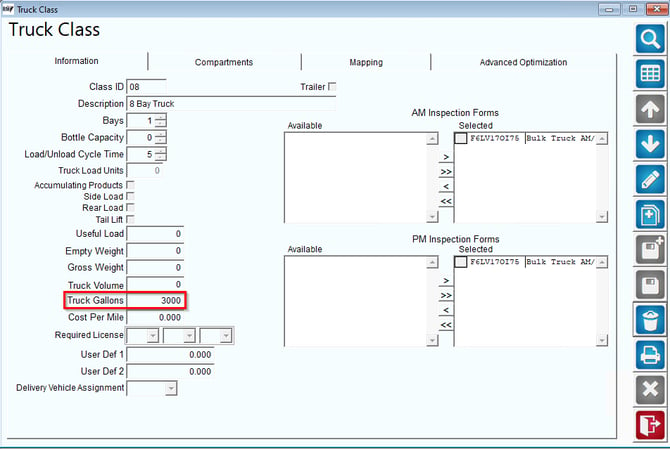
You will need to go to each truck class and put in the number of gallons your truck holds. Do this by going to Lists > Truck Information > Truck Class. Use this screen as an example: