
Introduction
This report includes information regarding customers that have a credit balance and are no longer active. The Customer Refunds List report can be found under Reports > Accounting Reports > Customer > Customer Refunds List.
NOTE: Leave the From Date blank to include active customers with a credit balance.
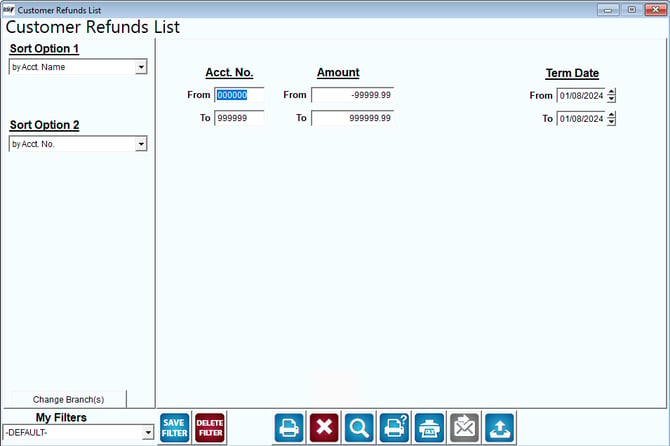
Fields:
Sort Option 1 & 2: The primary and secondary fields to sort by. You can choose from the following categories:
- Account Name
- Account Number
- Date
- Refund Amount
Change Branch: If you are logged into multiple branches, this option may be shown and allows you to re-select the branches to include in the report instead of having to completely exit the report.
Acct No: Enter the account range to include in the report.
Amount: Enter the range of account balances to use in the report. The amount can range from $-0.01 to $-999,999.99.
Term Date: The range of dates to include in the report. This report selects dates based on the customer’s termination date.