Introduction
The Customer Photos Report includes information related to Customer Photos and can be found under Reports > Management Reports > Customer Photos Report’.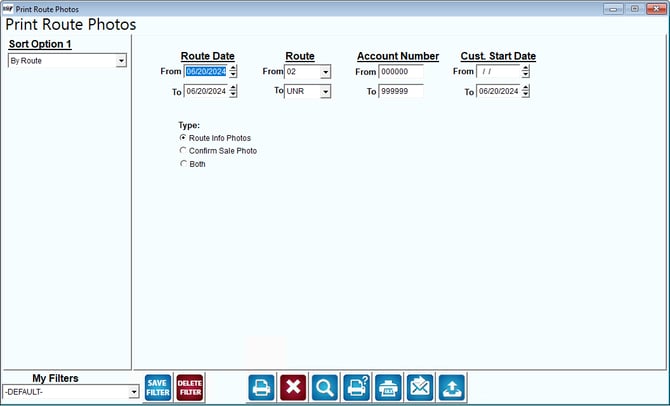
Sort Option 1 & 2:The primary field to sort by, you can choose from the following categories:
- By Account No.
- By Start Date
Route Date: Select the range of the route dates.
Route: Select the range of the routes.
Account Number: Select the range of the account numbers.
Cust. Start Date: Select the range of the start date.
Type: Select the type of photos in your report that you would like to see.
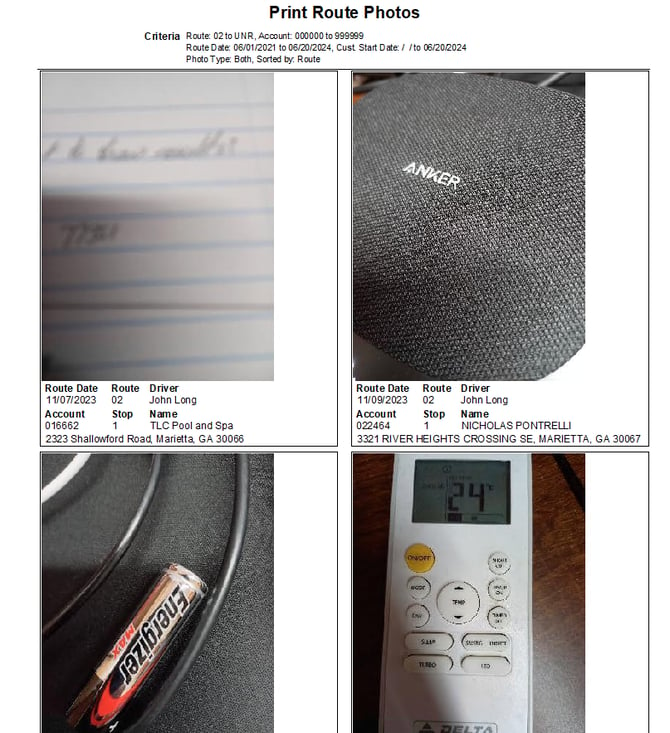
Below is an example of the Photos Report: