
Introduction
Use this report to view customers that are assigned to a ‘Collections’ type Credit Class Code within Customer Information. The Collections Accounts report can be found under Reports > Accounting Reports > Customer > Collections Accounts.
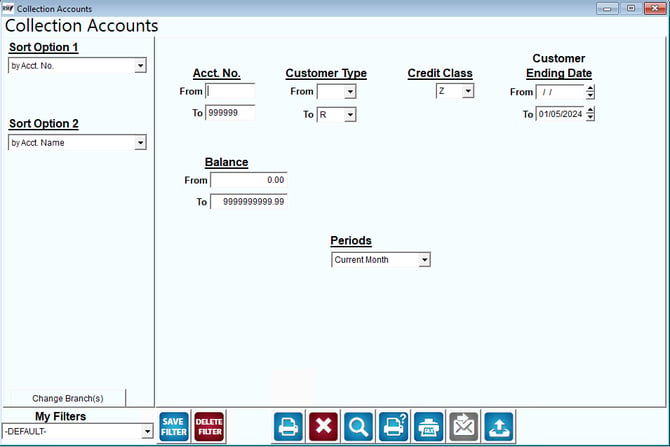
Fields:
Sort Option 1 & 2: The primary and secondary fields to sort by. You can choose from the following categories:
- Account Number
- Account Name
- Balance
Change Branch: If you are logged into multiple branches, this option may be shown and allows you to re-select the branches to include in the report instead of having to completely exit the report.
Acct No.: Enter the range of accounts to include in the report.
Customer Type: Select the range of customer types to include in the report.
Credit Class: Designate a specific credit class from the drop-down list. If you use a credit class code other than "W" to indicate collection accounts, select that code.
Customer Ending Date: Enter the range of customer ending dates.
Balance: Enter the range of balances to include in the report, from low to high.
Periods: Select a period to run your report from.