Cause
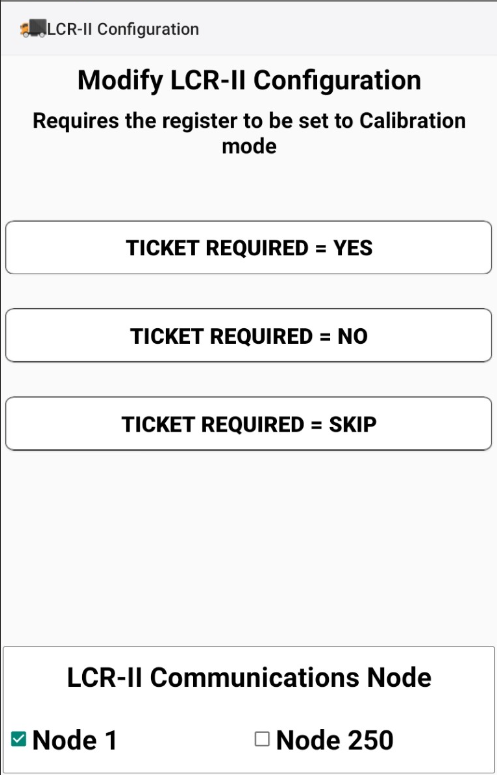
Depending on the way your truck is configured, it can use Node 1 – 250 to communicate with the meter from your data device (tablet, laptop, etc.) Many are configured on Node 250, but it is not uncommon to use Node 1. Your Mango Mobile unit defaults to Node 250. If you want to change it to Node 1, you will need to follow the instructions in this documents.
Resolution
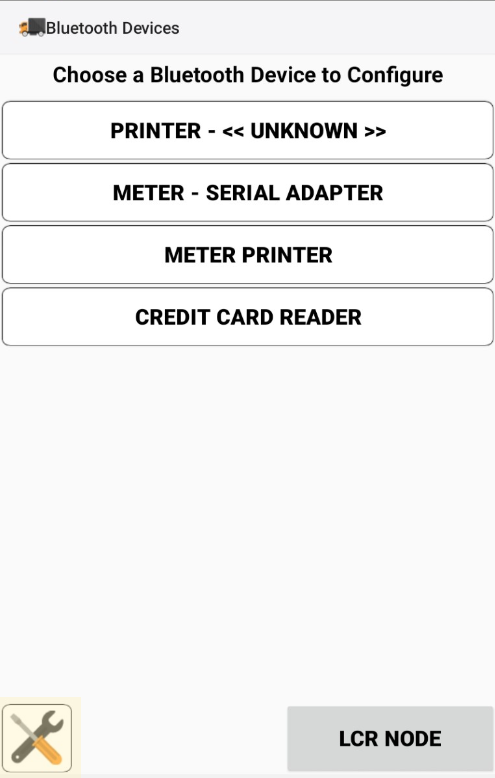
- Select the Tools button on the bottom left of Bluetooth Devices screen
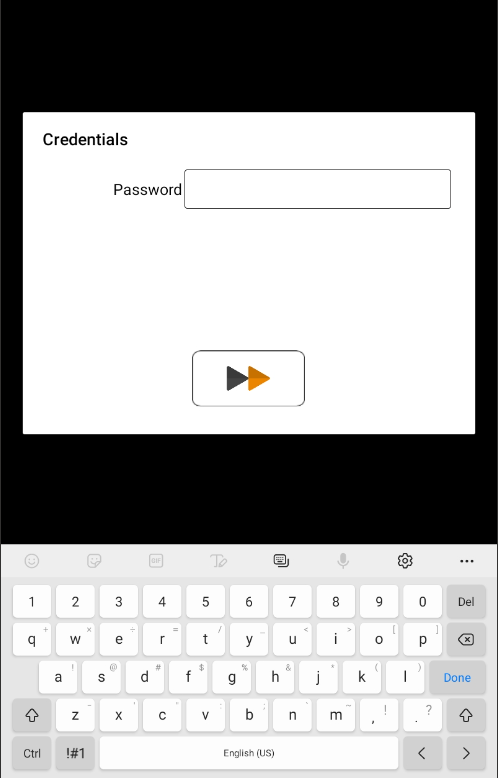
- Enter password (default is 12345) to enter LCR-II Configuration Screen
- Select Node 1 or Node 250 to match the truck’s LCR-II node configuration.